

Learn Photography
Understand your camera, read the light, and build habits that make your images more consistent.
We use cookies to improve your experience, analyze traffic, and personalize advertising. You can accept or decline optional cookies. Cookie Policy
New to photography? Want to take stunning product photos or start earning as a freelance photographer?
Learn how to capture beautiful portraits, professional-looking product photos, food photography, and more—even if you’re just getting started. Build confidence with your camera, master lighting and composition, and discover how AI can help you plan photo shoots, edit like a pro, save time, and take your photography to the next level.
No experience needed. Just your camera, creativity, and the desire to learn!
The course and the Photography Toolkit come with the annual membership. Practice Tools is a separate subscription you can add once you are a member.
Learn photography through structured lessons, examples, and practical exercises.
See what is included
Find useful prompts for learning, planning, client communication, editing, and business tasks.
Preview the categories
Explore interactive photography practice tools through an optional subscription.
See the practice toolsThe photographs on this page illustrate the topics covered in the course. They are not student work.
11 categories of ready-to-use prompts, covering the work around the photograph as well as the editing itself. Six of them are below.
Understand your camera, read the light, and build habits that make your images more consistent.

Work out what a session really costs you, price it honestly, and see where the money goes.

Walk in knowing what you need, in what order, and how long each part takes.
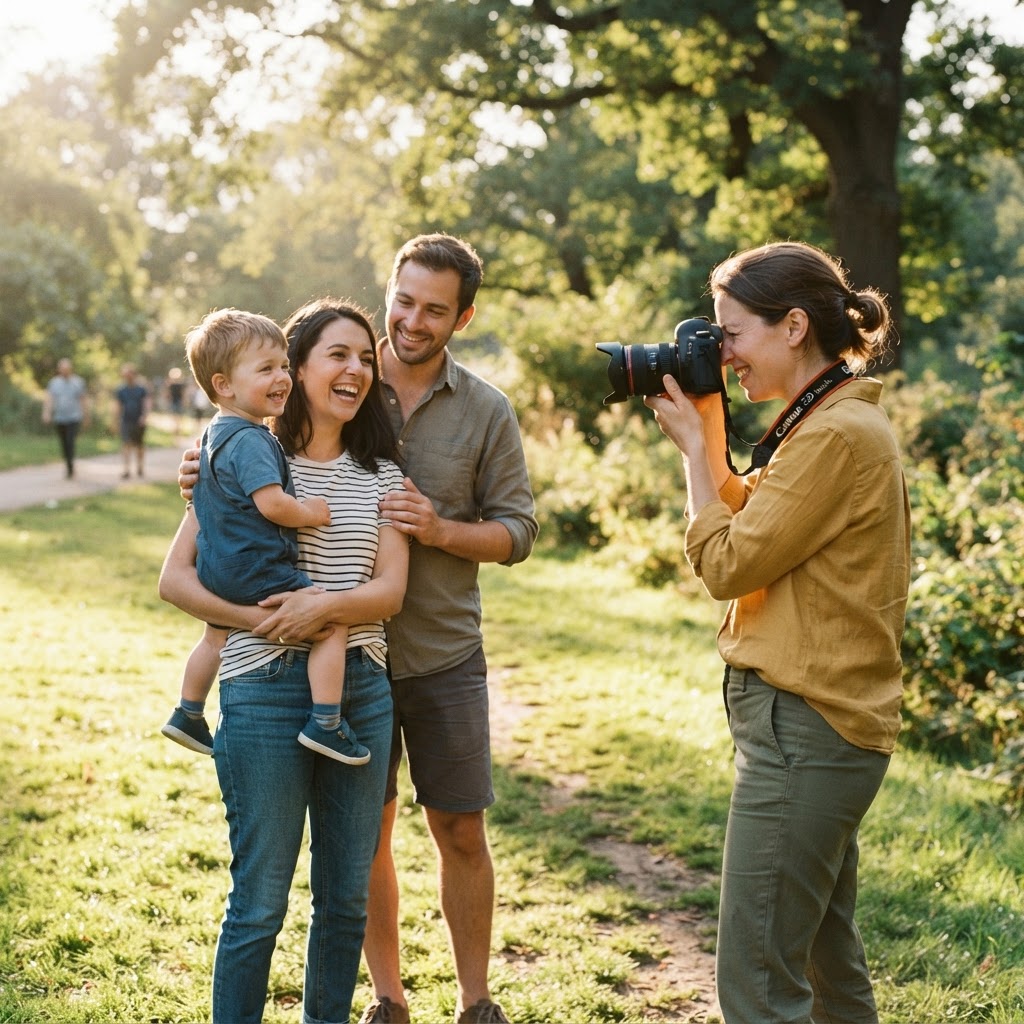
Keep people relaxed, direct them kindly, and adjust for the light you actually have.
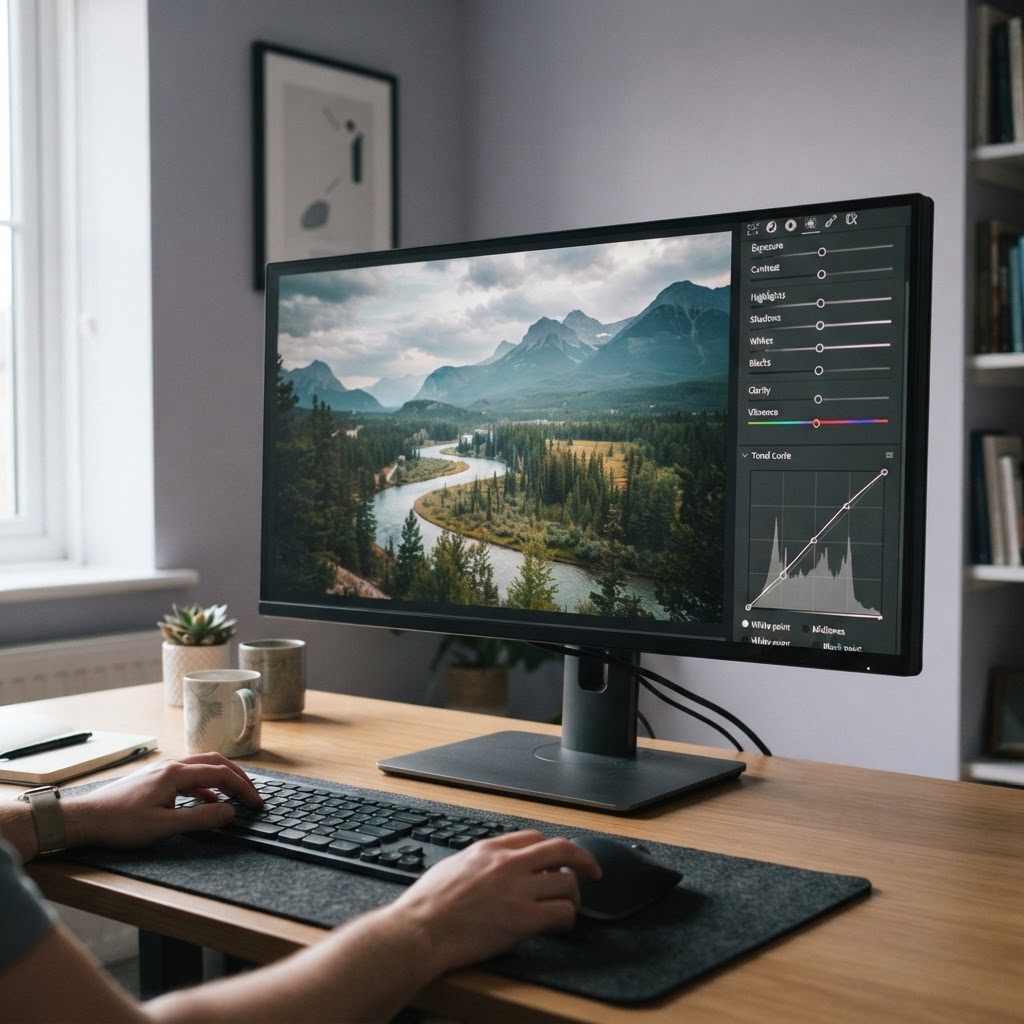
Plan your develop order, build reusable looks, and export files that look right where they land.
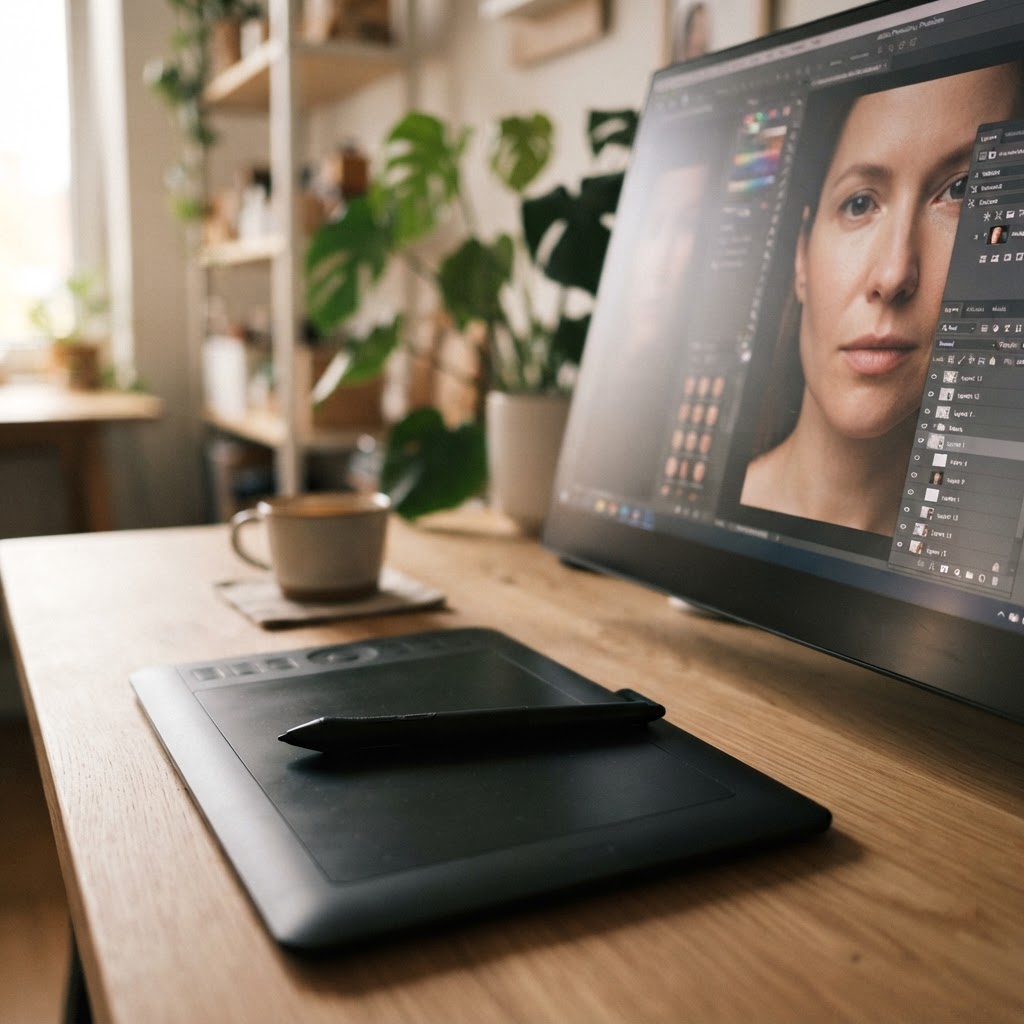
Make targeted repairs, use generative features honestly, and retouch without losing the person.
The full toolkit, including every prompt in each category, is available to members while their membership is active.
One membership covers the whole course and the Photography Toolkit, and stays current while it is active. Twenty to twenty-four hours of structured training, from camera basics through AI editing to client work.
$47per year
$47 billed annually. Renews automatically until canceled. Cancel future renewals anytime; access continues through your paid membership period.
Practice Tools ($5/month) and the 100 AI Photo Enhancement Prompts pack ($9 one-time) are separate optional purchases and are not part of this membership.
Put your lessons into action with ready-to-use AI prompts and interactive photography tools. Find inspiration for your next edit, practise your technique, and get feedback on your photos—so you spend less time wondering what to do next and more time creating.
Available separately from the $47/year membership.
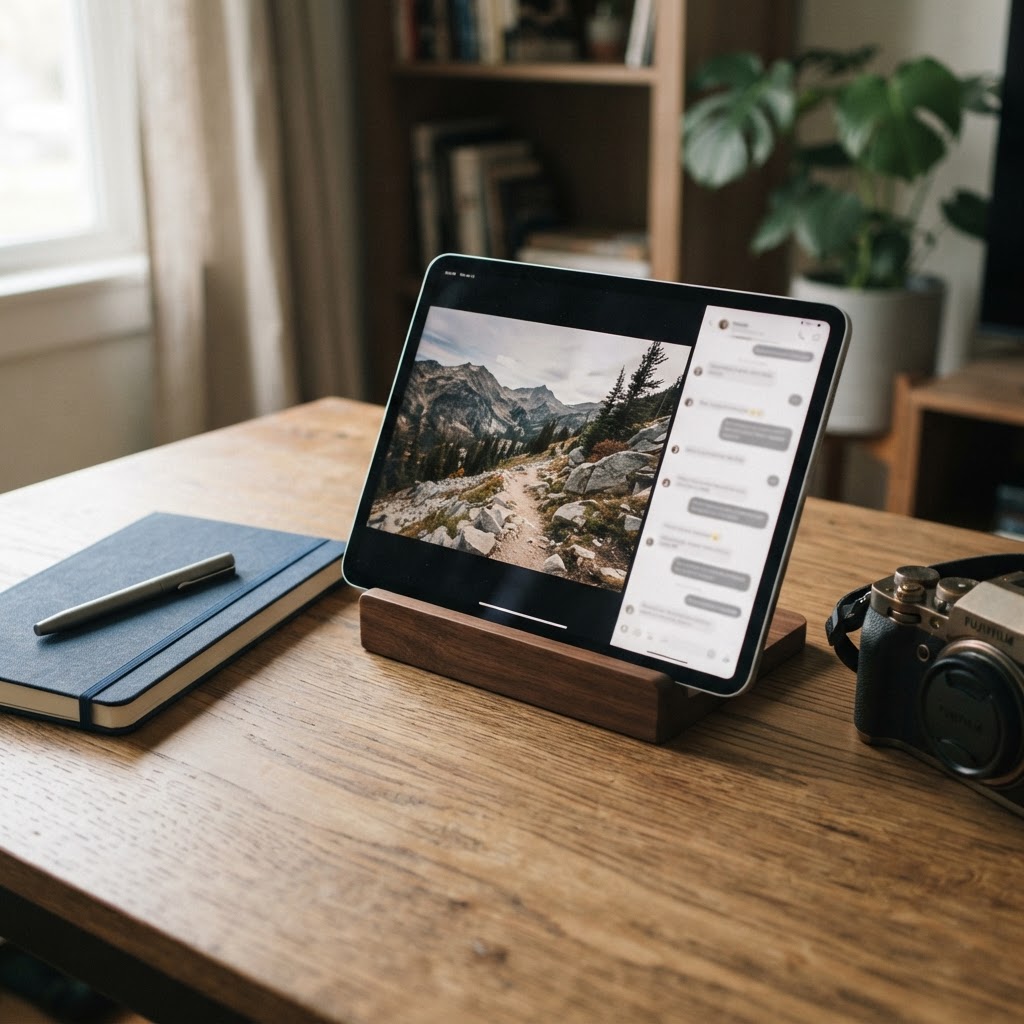
Your next great edit starts with the right prompt. Get 100 ready-to-use prompts to help you explore creative possibilities and put AI editing techniques into practice.
Make practice part of your creative routine. Get AI feedback on your photos, fresh shooting assignments, guided lighting practice, and an exposure simulator to help you apply what you learn.
Practice Tools is available to course members. It renews monthly until canceled.
Open “Why Your Photos Look Blurry—and How to Fix Them”, a real lesson from the course, and see how the teaching works before you decide anything.
No purchase required. Simply enter your name and email address to register.
What the membership covers, how renewal works, and what is genuinely optional.
It is for anyone who wants a clear, structured way into photography, and for photographers who already shoot but want to understand editing and AI tools properly.
The course starts from the fundamentals — how a camera captures light, the exposure triangle, composition — and moves on to lighting, colour, AI editing, workflow and client work. The material runs from beginner to intermediate, so no previous training is assumed, and the camera you already own is enough to follow along, including a phone.
Full access to the photography course: ten modules of lessons, quizzes, written assignments and a photo shoot, finishing with a Certificate of Completion. That is roughly twenty to twenty-four hours of material.
It also includes the AI Photography Toolkit — prompts for learning, planning, client communication, editing and business tasks — and any lesson and resource updates published while your membership is active.
$47 billed annually. Renews automatically until canceled. Cancel future renewals anytime; access continues through your paid membership period.
You can cancel from your account, and nothing further is charged after you do. Canceling the membership does not touch the optional Practice Tools subscription, and canceling that does not touch the membership.
Only the annual membership is needed to use the course. Two extras are optional and are not included in it.
Photography Practice Tools is a $5/month subscription for interactive practice: 5 AI photo critiques a month, 30 generated shooting assignments a month, unlimited guided lighting practice, and an unlimited exposure simulator with 5 photo uploads a month.
The 100 AI Photo Enhancement Prompts pack is a $9 one-time download: a 23-page guide with 100 ready-to-copy prompts across 10 categories. It never renews. Both are bought separately from the membership and neither is required.
No. The lessons are taught so you can follow them without buying any editing software, and the practice simulators and Practice Tools run inside your browser.
The editing modules do introduce professional tools — Adobe Lightroom and Photoshop, along with Canva, Luminar Neo and Topaz Photo AI — with the approximate cost of each stated. Treat those as a menu you can choose from if you decide to add one later; you are never required to subscribe to any of them to work through the course.
Yes. The free sample lesson opens in full on its own page with a name and email address; no purchase is required. It is a real lesson from the course, so you can see the teaching style and how AI is used as a learning assistant before you decide.
Because the course, the Photography Toolkit and the prompt pack are digital, purchases are nonrefundable except where required by law.
Subscriptions can be canceled at any time to stop future renewals. You keep access through the period you have already paid for.